
What is the API Interface?
A local automation interface that lets programs command browser environments directly
Start and stop fingerprint environments via HTTP with Local API, get the WebSocket debugging endpoint, and take over pages with mainstream automation frameworks for deeply customized workflows.
Start environments via API
Create and close environments programmatically, no manual work
Framework-ready
Connect Puppeteer, Playwright and Selenium out of the box
Secure key control
API keys are generated and reset independently with clear permissions
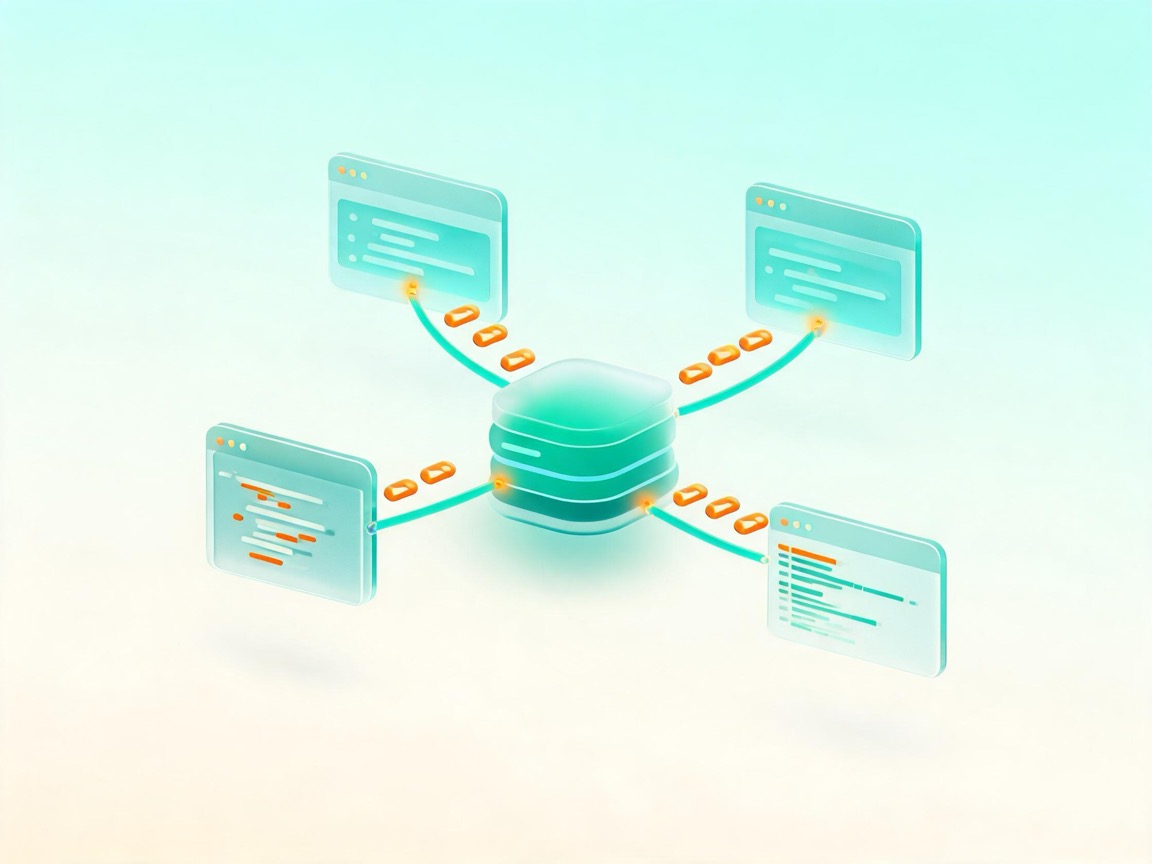
API Interface Core Features
Full-chain openness from environment scheduling to script execution
Environment scheduling API
Start, stop and query fingerprint environments over HTTP
WebSocket endpoint
Connect to the browser core directly for instant framework takeover
Multi-language samples
JavaScript, TypeScript, Python and Java examples ready to use
API key management
Generate, reset and disable keys with one click
Request logging
Full API call logs make debugging efficient
Local service security
Local API accessible only from your machine, data never leaves
Connect the API in 3 Steps
Enable the service and write automation scripts with familiar frameworks
01Enable Local API
Turn on the service in the client and generate an API key
02Start an environment
Specify the environment via the API and get the endpoint
03Take over with a framework
Connect the endpoint with Puppeteer and run automation
Explore Other Features
Four features working together for a complete multi-account solution
RPA Automation
A workflow automation engine for multi-account operations — zero-code setup, stable batch execution
Learn more >
Environment Migration
Package your browser environment and continue seamlessly on a new device
Learn more >
Window Sync
A mirrored multi-window console — one person works like a team
Learn more >