
What is Environment Migration?
Package your browser environment and continue seamlessly on a new device
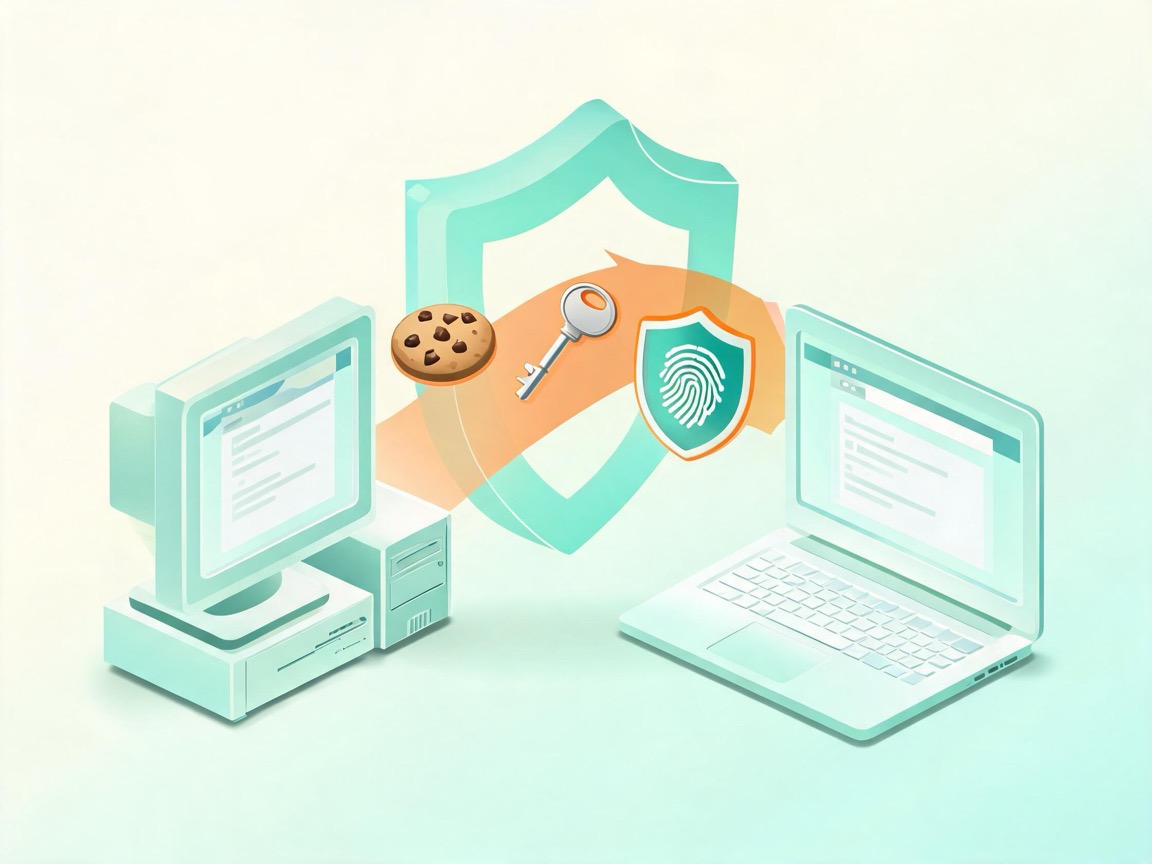
Package the fingerprint environment and cookie data for migration. After restoring on a new device, you can continue using the saved browser environment.
One-click migration fingerprint
Export the environment fingerprint on the old device, no expertise required
Fingerprints and cookies preserved
Synchronize the fingerprint environment and Cookie information
Encrypted and secure
Migration data is encrypted end to end to protect fingerprint and cookie data
Environment Migration Core Features
Convenient export and restore for fingerprints and cookie data
One-click fingerprint and cookie migration
Package the fingerprint environment and cookie data in one click; configure passwords and proxy settings again on the new device
Fingerprint fully preserved
Fingerprint stays identical after migration, avoiding risk-control flags
Batch migration
Export and import multiple environments at once for teams
Encrypted transmission
End-to-end encryption prevents fingerprint and cookie data from being stolen or tampered with
Cross-platform compatible
Migrate freely between devices on different systems
Traceable status
Complete migration logs for quick troubleshooting
Migrate in 3 Steps
Export on the old device, restore on the new one, and continue using the browser environment
01Export fingerprint and cookies
Get the migration fingerprint in the client and prepare the cookie data to transfer
02Upload migration info
Submit the fingerprint and cookie data on the web to bind the environment
03Restore the environment
Sign in on the new device to download the environment; reconfigure passwords and proxy settings there
Explore Other Features
Four features working together for a complete multi-account solution
RPA Automation
A workflow automation engine for multi-account operations — zero-code setup, stable batch execution
Learn more >
API Interface
A local automation interface that lets programs command browser environments directly
Learn more >
Window Sync
A mirrored multi-window console — one person works like a team
Learn more >